
Freshping alternative for agencies: where does your client portfolio go when it shuts down?
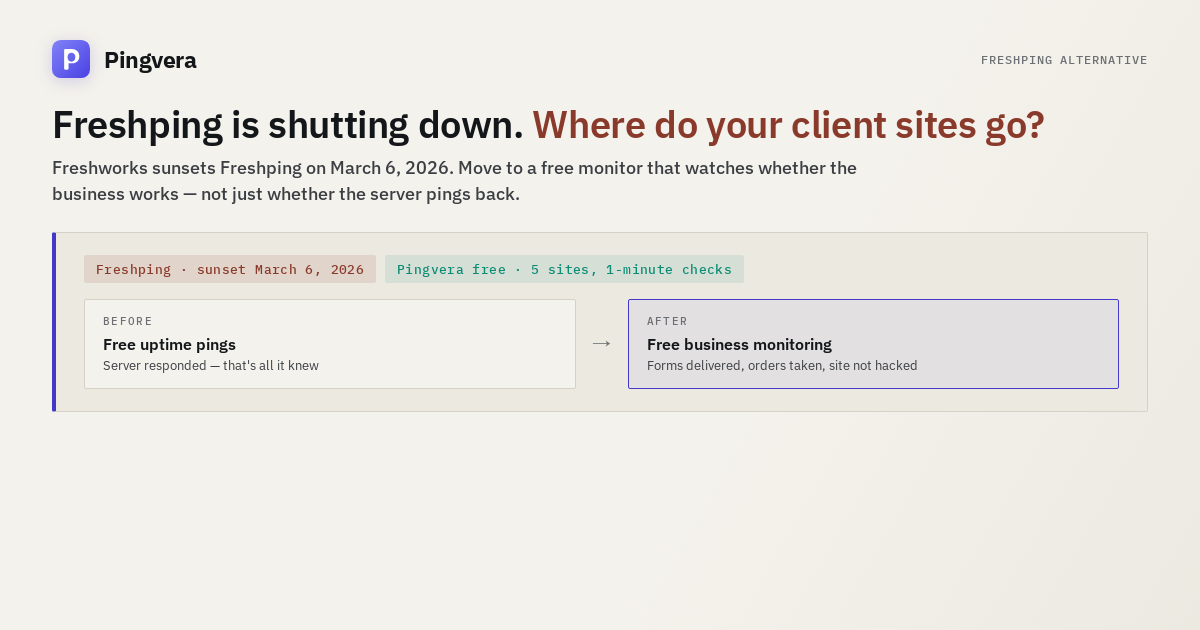
Freshworks is sunsetting Freshping on March 6, 2026. For a lot of freelancers and small agencies, Freshping was the quiet default: free uptime checks and a free status page, good enough that nobody thought about it again after setup. That's exactly why the shutdown is going to catch people off guard — the tools you never think about are the ones you forget to replace until they're gone. This isn't a takedown of Freshping. It's a straight answer to the question its former users now have: where does a client portfolio go next, and what should you actually check before you commit it somewhere new?
What's actually happening
Freshping was Freshworks' free uptime monitor: ping-based availability checks plus a public status page, aimed at people who wanted the basics without paying for enterprise observability. It did that job well enough to pick up a real following among developers, freelancers and small studios keeping half an eye on a handful of sites — their own, or a client's. Freshworks has announced it is retiring the product, with a shutdown date of March 6, 2026. After that date, the monitors stop running and the status pages stop resolving.
If that's the only monitoring a client site has, this is not a cosmetic problem. An outage that happens the week after Freshping goes dark is an outage nobody is watching for.
Check a site from several regions right now
Availability from Europe and the US, SSL, domain expiry and WordPress health — free, no sign-up.
Check a siteWhat to check before you commit a portfolio somewhere new
A shutdown is a forcing function, and forcing functions produce rushed decisions. Before you sign up for the first "Freshping alternative" article that shows up, run down this list — it's the difference between a monitor that works for a single site and one that works for an agency managing a portfolio of them.
| What to check | Why it matters for a client portfolio |
|---|---|
| Check interval on the free plan | A 5- or 10-minute interval can let a short outage — a bad deploy, a database timeout — fall entirely between two checks. The gap is invisible on the uptime graph and very visible to the client who hit it. |
| Status pages: included or separate? | Some tools sell status pages as a second product with their own pricing ladder. If your pitch to clients includes a branded status page, that's a cost and a setup step to plan for up front, not discover mid-migration. |
| Client-facing reports | An uptime percentage in a dashboard isn't a deliverable. A report you can hand to a client — on your letterhead, in language they understand — is what justifies a retainer. |
| Business-level checks, not just pings | Whether the server answers and whether the business is working are different questions. A form that silently drops leads or a checkout that stopped taking orders both return a healthy HTTP 200. |
| Free-tier shape | "Free" can mean a stack of separately pinged URLs, or it can mean a handful of fully-monitored sites. They serve different jobs — worth knowing which one you're getting before you build a workflow around it. |
Being honest about the free-tier shape
Here's where we won't oversell the comparison. Freshping's free plan was generous in a specific way: a fairly large number of separately pinged URLs, each getting its own uptime check. If what you need is "tell me when any of these fifty endpoints stops responding," that shape is genuinely useful, and we're not going to pretend our free plan replicates it — it doesn't.
Pingvera's free plan is organized differently: up to 5 sites, each checked from multiple regions every 1 minute, with a status page included. It's not a bigger or smaller number of the same thing — it's a different unit. One "site" on our free plan isn't one ping; it's the availability check, TLS certificate, domain expiry, and (for WordPress/WooCommerce sites) internal health of that one property, bundled together.
For an agency, that difference usually cuts in your favor. You don't manage fifty anonymous URLs — you manage a handful of client relationships, and each one needs to be watched properly, not thinly. Five client sites with full coverage is a more useful free tier for that job than fifty pings that only tell you the server answered. But if your actual use case is a long flat list of endpoints rather than a portfolio of client properties, say so to yourself honestly — that's a real difference in shape, not a detail.
Beyond the ping: what an uptime check was never built to see
This is the part that has nothing to do with Freshping specifically — it's true of ping-based monitoring as a category, Freshping included. A monitor that watches whether a URL responds is watching the server, not the business running on top of it. That gap is where client relationships actually get lost:
- The contact form stopped delivering leads. The page loads, the form submits, the "thanks" message appears — and the email never makes it out of wp_mail(). A ping confirms the server is up. It says nothing about whether the lead arrived.
- The store stopped taking orders. A payment gateway left in test mode, a checkout broken by a plugin update, bots grinding stolen cards through checkout — while uptime stays green the entire time, because the storefront is loading fine.
- WordPress is quietly compromised. A website can return 200 OK and still be hacked — a backdoor, modified core files, a site dropped from search results. None of it fails a ping.
Pingvera checks the parts a ping can't: form and lead delivery confirmed in real time, WooCommerce orders watched against a baseline so a checkout that goes quiet gets flagged even while every technical check is green, a unified timeline that lines up business events, deploys and incidents on one clock, plus domain expiry, SSL, and signs of compromise or de-indexing. It goes past "is the site up" to "is the site working as a business" — which is usually the question the client is actually asking, even when they phrase it as "why is the site down."
Ordinary uptime pinging vs. business observability
| Ordinary uptime pinging (the category Freshping was in) | Pingvera | |
|---|---|---|
| What's verified | The server responds to a request | The server responds and the business works: forms deliver, orders go through |
| Form leads reaching the inbox | Not checked | Checked |
| WooCommerce orders vs. baseline | Not checked | Checked in real time |
| "Green but not selling" anomalies | Invisible — uptime stays 100% | Detected |
| WordPress internals (core integrity, hijack signs) | Not checked | Checked |
| Domain expiry & SSL | Varies by tool | Included on every plan, free included |
| Status page | Varies — sometimes a separate product | Included, white-label, custom domain via CNAME |
| Client report | Uptime percentage, response time | White-label, business-language: leads delivered, orders taken, threats found |
| Alert before it fires | Varies — single-region checks can false-alarm | Confirmed across regions before an alert goes out |
White-label status pages and client reports
One thing Freshping got right for its audience: a status page cost nothing extra. That's worth preserving in whatever you migrate to. Pingvera's status pages are included on every plan — including free — and can sit on your own domain via a CNAME record with automatic TLS, so a client sees status.youragency.com, not a third-party subdomain. Reports work the same way: white-label, in plain business language, built for a client to actually read rather than a graph of response times they'll skim past.
Alerts that don't cry wolf
A single failed check from one location is not the same thing as an outage — it might be a network blip near the probe, not the site. Confirming from multiple regions before an alert fires is what separates "my monitor pages me for real problems" from "my monitor pages me and I've learned to ignore it." Alerts route to Telegram, email, Max, VK or a webhook, and the agent that runs on a client's server (optional, for deeper host-level checks) is strictly one-way: it sends data out and never accepts a command back in. Nothing runs on a client's machine because Pingvera decided to run it — the service observes and explains, it doesn't act.
Migrating before March 6, 2026
There's no automated import from Freshping — setting up a new site takes a few minutes, roughly the same amount of time it took to add a URL there in the first place. The only real deadline is the shutdown date itself. Practically, that means:
- Sign up free and add your client sites — up to 5 with no card required.
- Point a status-page subdomain at your own domain with a CNAME, before clients need to look for it.
- Set up alert channels (Telegram is the fastest to wire up) so the first alert isn't the first test of whether alerts work.
- Do this before March 6, 2026, so your new monitoring already has a running history — and a quorum of confirmed checks behind it — by the time Freshping goes dark, instead of starting from zero on the same day the old monitor disappears.
Frequently asked questions
When is Freshping shutting down?
Freshworks is sunsetting Freshping on March 6, 2026. After that date the free uptime monitoring and status pages many freelancers and agencies used for client sites will no longer run, so anyone still on it needs a new home before then.
Is there a free Freshping alternative?
Yes — Pingvera's free plan covers up to 5 sites at a 1-minute interval with a status page included, no card and no trial clock. It's organized around a client site rather than a count of pinged URLs, which is usually the more useful shape for an agency watching a portfolio.
What should agencies look for when migrating off Freshping?
The check interval on the free plan, whether status pages are included or sold separately, whether reports can be white-labeled, whether checks go past uptime into business-level signals like form delivery or WooCommerce orders, and whether alerts are confirmed from multiple regions before they fire.
Does Pingvera import Freshping monitors automatically?
No — there's no automated import. Adding a site takes a few minutes, about what adding a URL took on Freshping. Doing it before March 6, 2026 means the new monitoring already has history in place instead of a gap.
Move your client portfolio before March 6, 2026
One-minute checks on every plan, multi-region confirmation, form delivery to the inbox, WooCommerce orders, WordPress health, and white-label status pages included. Free for up to 5 sites.
Start freeRead next: 5 Best Client Reporting Tools for Web Agencies (2026) · Pingdom alternative for agencies: no free tier, and the bucket problem · StatusCake alternative for agencies: the free tier is 5 minutes, and… · UptimeRobot alternative for agencies: what client work actually needs · Check availability from several regions.