
A Status Page for Clients: Your Own Domain, Password Protection, and Telegram Subscriptions
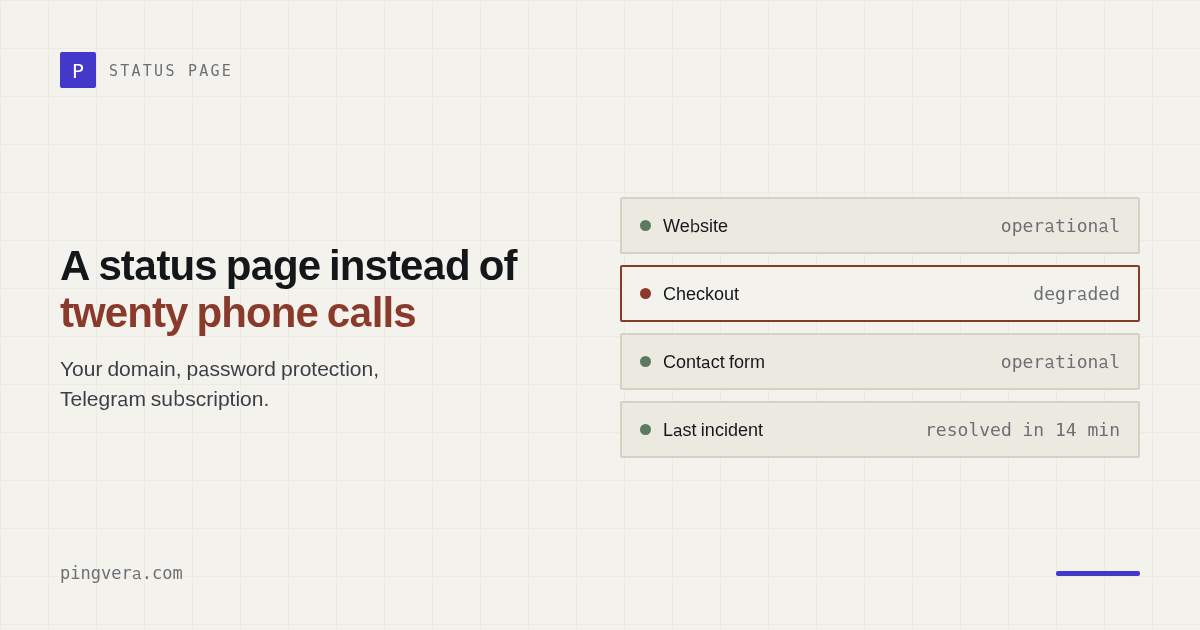
Every agency on a retainer gets one question more often than any other: "is our site up right now?". Each one is an interrupted workday, a back-and-forth thread, and a faint undertone of doubt. A status page puts it to rest for good: the client opens an address like status.client.com and sees live uptime for themselves — no calls, no "let us check," no waiting on a reply from an account manager.
Why an agency needs a status page
Monitoring is a quiet thing by nature: it works, but the client never sees it. As long as things stay invisibly in order, the retainer looks like a line item on an invoice. An uptime status page makes the work visible: here are the sites, here are the servers, here's a month of green. It's both transparency and an argument for the retainer.
There are three practical wins:
- Fewer "is the site up?" questions. Instead of a thread — a link. The client checks for themselves whenever they're anxious, even at night.
- Trust by default. An open status is a signal of "we have nothing to hide." If something goes down, the client sees it on your page instead of hearing it from their own customers.
- An incident stops being a scandal. When an outage is visible on the status page alongside its recovery, the conversation is about facts and timelines, not "you hid something from us."
What the Pingvera status page shows
The page is assembled from your resources: both the sites Pingvera checks from the outside and the servers running an agent. For each one — live uptime as a multi-scale bar: hour, day, week, month, or 90 days. The bar is clickable: a "bad day" segment expands into its 24 hours, then into minutes, so both you and the client can drill into a specific window and see exactly what happened. The page auto-refreshes every 30 seconds — you can keep it open on a second monitor and it's always current.
One important detail that protects your reputation: only confirmed outages are highlighted in red — when several check locations see the problem and it repeats several times in a row. A single network blip — a one-second hiccup somewhere on the route between a check location and the server — is marked yellow with an explanation, rather than ruining the bar with a "false down." The client sees an honest picture, and you don't have to explain every yellow dot.
White-label: the page looks like yours, not ours
For an agency, it matters that the status page carries their brand forward — not that it advertises a vendor's vendor. So the page is branded: the client's or the agency's logo, an accent color, your own text in the header and footer.
Your own domain — one CNAME record
The main step toward full white-label is a status page on your own domain. It works simply: you (or the client) add one CNAME record — say, status.client.com → status.pingvera.com — and point the domain at the page in settings. From there Pingvera handles everything: it checks the DNS, issues a TLS certificate, and renews it automatically. Usually it takes up to 10 minutes from adding the record to a working page over HTTPS. No servers, no configs, no manual certificates — and nothing on the page gives away a third-party service. A custom domain is available on paid plans (Pro and up).
A status page under your brand — no code
Built in the dashboard in a couple of minutes: pick the sites and servers, a logo and a color, and the page is ready. The free plan covers up to 5 sites with checks as often as every 1 minute, and a status page is included.
Start free — up to 5 sitesPassword: status for insiders
Not everything needs to be shown to the whole internet. An internal CRM, a staging environment, a client's servers — the status of those resources is useful to the team but shouldn't be public. For cases like that, a page can be locked behind a password: the client shares it with their team, and the status stays available "for insiders."
And privacy holds all the way through: on a password-protected page, the RSS feed, badge, and widget are disabled automatically. Otherwise you'd have a hole — the page is behind a password, but the same data is handed out freely through a feed or an image. Pingvera closes that back door for you.
Event subscriptions: the client finds out on their own — but only about confirmed events
A good status page doesn't require anyone to check it. The visitor subscribes to "outage" and "recovery" events themselves, however suits them best:
- Telegram — a button on the page leads to a bot, subscription in a couple of taps;
- Email — a form with a confirmation message, so no one can subscribe someone else's address;
- unsubscribing in any channel is one click.
For the agency, this means the client learns about an outage through your own channel, as a calm message — and then gets "recovered" right after. And scheduled maintenance doesn't turn into a false alarm: the maintenance window is shown on the page as a banner, and alerts aren't sent during it. An overnight server migration won't wake your subscribers.
Embedding: status where people look for it
Sometimes a standalone page isn't enough — you want to show status right on the client's site or in an internal wiki. There are three ways to embed it:
- An SVG badge — a small image of the current status, inserted with a plain img tag anywhere: a site footer, a README, an internal portal;
- A JS widget — a status block embedded as an iframe that adjusts its own height to fit the content;
- An Atom/RSS event feed — for anyone who reads updates in an aggregator or pulls them into their own tools.
A reminder: on password-protected pages, all of this is disabled — a private status stays private.
How to turn it on
Everything is configured in the dashboard, no code: the "Status pages" section → create or edit. You pick which sites and servers to show, set the logo, color, and text, and if needed — a password or your own domain. The page goes live right away: uptime is drawn from the same checks already running on your monitors.
A sensible setup for an agency on retainer: one status page per client — with their logo and on their subdomain. The client gets "their" status page, the agency gets fewer questions and visible proof that maintenance is working, not just talked about.
Frequently asked questions
How do you put a status page on your own domain?
In Pingvera, one DNS record is enough: add a CNAME from your address (for example, status.client.com) to status.pingvera.com and set that domain in the page settings. Pingvera checks the DNS, issues a TLS certificate, and renews it automatically — usually everything is ready within about 10 minutes. A custom domain is available on paid plans (Pro and up).
Can you password-protect a status page?
Yes. A page can be locked behind a password — handy for a client's team or for internal services whose status shouldn't be public. On private pages, the RSS feed, badge, and widget are disabled automatically, so status information can't leak around the password.
How do visitors find out about an outage and recovery?
A status-page visitor subscribes to "outage/recovery" events themselves: a Telegram button (via a bot) or an email form with a confirmation message. Unsubscribing is one click. Scheduled maintenance is shown on the page as a banner, and alerts are not sent during that time.
Show clients that everything is under control
A white-label status page on your own domain, subscriptions via Telegram and email, and a badge and widget to embed — on top of the monitoring that's already watching your sites and servers.
Start free — up to 5 sitesRead next: Your Client's Status Page on Their Own Domain: CNAME Setup and… · Ecommerce Account Takeover Protection · Domain expiry: how to check when a domain expires · Paid Campaign Landing Page QA Checklist · Check domain registration expiry.