
Critical User Journey Monitoring for Client Websites
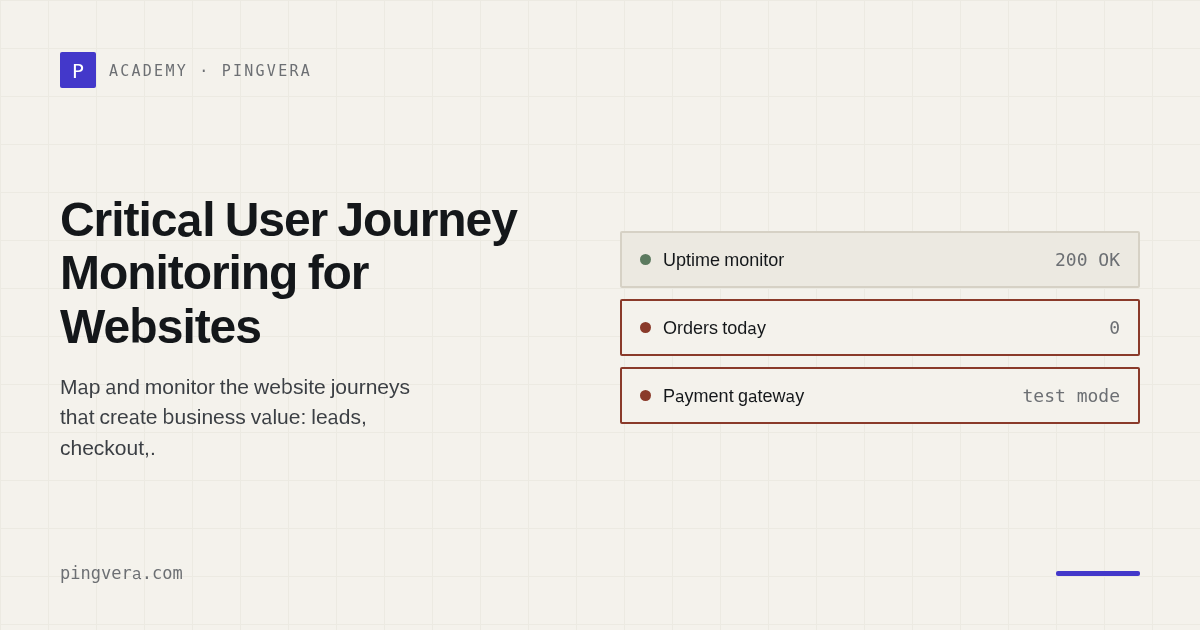
Critical user journey monitoring verifies that a visitor can complete the action the website exists to support—not merely load a page. For a lead site, the journey may end when a uniquely marked enquiry reaches the correct mailbox or CRM. For ecommerce, it may include product discovery, cart, checkout, a safe payment test, order creation, and downstream fulfilment.
Start with one to three journeys per site. Define entry point, steps, success evidence, maximum duration, dependencies, synthetic-data rules, and a safe cleanup process.
At a glance
- Ask the client which website failure would cost money or trust first.
- Draw the journey from visitor action to business outcome.
- Name every external dependency and owner.
- Define success at the destination, not at the button click.
- Choose a safe synthetic test method.
- Set frequency from acceptable detection delay.
- Prevent real charges, shipments, messages, and analytics pollution.
- Route failure by business impact.
- Reconcile test and production records.
- Review the map after releases and incidents.
Uptime versus business outcome
These signals answer different questions:
| Signal | What it proves | What it does not prove |
|---|---|---|
| DNS/TLS/HTTP | The endpoint can be reached | The application is useful |
| Content marker | Expected page content rendered | Interactive flow works |
| Form response | Server accepted a request | Lead reached a human/system |
| Mailbox marker | Email arrived at agreed mailbox | CRM assignment or sales action occurred |
| Order record | Store created an order | Payment, stock, or fulfilment reconciled |
| Payment test | Provider completed agreed test state | Fulfilment or refund logic works |
| Integration heartbeat | Job reports completion | Destination data is correct and fresh |
A complete journey can use several signals without turning every component into a separate client incident.
Common journey maps
Lead-generation website
Landing page
→ form renders
→ valid synthetic submission
→ expected success state
→ transactional email accepted
→ unique marker appears in destination mailbox or CRM
→ test record labelled/removed
Ecommerce website
Product available
→ correct price/stock
→ add to cart
→ shipping/tax calculated
→ checkout accepts test identity
→ payment reaches safe test state
→ order created once
→ confirmation sent
→ order reaches OMS/ERP/fulfilment
Booking website
Availability loaded
→ slot selected
→ test booking held/created
→ confirmation sent
→ calendar/back-office record appears
→ test booking cancelled and capacity restored
Membership website
Login page
→ test account authenticates
→ authorised content loads
→ session/cookie works
→ logout or token expiry behaves correctly
Create the journey card
# Critical user journey

Website: [URL]
Journey: [name]
Business owner: [client role]
Technical owner: [agency role]
Criticality: [P1/P2/P3 mapping]

## Purpose
[Business outcome and why it matters]

## Preconditions
- Test account/data: [reference]
- Required product/slot/form: [value]
- Allowed schedule/regions: [value]

## Steps and evidence
1. [step] → success: [observable evidence]
2. [step] → success: [observable evidence]
3. [step] → success: [observable evidence]

Final success: [destination state]
Maximum duration/freshness: [value]

## Dependencies
| Dependency | Owner | Failure evidence | Workaround |
|---|---|---|---|
| [provider] | [role] | [signal] | [value] |

## Synthetic safety
- Test marker format: [value]
- Payment mode: [test/authorised zero-value flow]
- Analytics exclusion: [method]
- Notification suppression: [method]
- Cleanup/reconciliation: [method]
- Personal-data rule: [policy]

## Monitoring
- Frequency: [value]
- Confirmation: [rule]
- Alert owner: [role]
- Client notification trigger: [rule]
- Recovery window: [value]
Choose the right test depth
Level A: passive observation
Fetches URLs and inspects response, content, headers, certificate, and timing. Lowest risk, lowest proof.
Level B: synthetic action
Submits a form, authenticates a test account, adds to cart, or calls a safe API. It proves application behaviour but may not prove destination delivery.
Level C: end-to-end outcome
Confirms the email, CRM record, order, webhook, or downstream state. Strongest proof, with greater privacy, cleanup, rate-limit, and access requirements.
Choose the lowest-risk level that proves the client outcome.
Synthetic test safety
- use reserved test identities and obvious markers;
- obtain client approval for destination access;
- use payment-provider test mode or another documented safe path;
- prevent fulfilment, tax documents, customer contact, and sales commission from triggering;
- exclude or label synthetic sessions in analytics where possible;
- respect rate limits, bot controls, consent mechanisms, and platform rules;
- minimise stored personal data and set retention;
- alert if cleanup or reconciliation fails;
- keep a manual kill switch.
Do not bypass CAPTCHA or anti-abuse controls without explicit authorisation and a safe design. A server-side synthetic check may be more appropriate than browser automation.
Frequency and confirmation
Ask, “How long may this journey be broken before the client must know?” Then account for test cost and side effects.
- critical lead form during paid campaigns: often 1–5 minutes;
- checkout smoke path: often 5–15 minutes;
- ERP catalogue freshness: based on business schedule;
- account recovery: periodic or after identity changes;
- full charge/refund drill: less frequent and tightly controlled.
For high-confidence business failures, excessive retries can hide real impact. For network-sensitive browser journeys, confirm carefully to avoid noise.
Example: a form that returns success but loses leads
The browser receives the expected thank-you message, so the agency's HTTP test is green. The SMTP account reaches a provider limit and no message reaches sales. The improved journey sends a unique marker and checks its arrival in a dedicated mailbox within three minutes. The monitor distinguishes “form rejected,” “website accepted but delivery missing,” and “recovered.”
That distinction directs the incident to the right owner and gives the client a truthful impact statement.
Common mistakes
- testing only the first page of the journey;
- using production customer data as synthetic input;
- creating real orders without cleanup;
- selecting a product that frequently goes out of stock;
- treating third-party success pages as proof of internal order state;
- alerting separately on every dependent step;
- never revising tests after UI, consent, CAPTCHA, or checkout changes;
- hiding the limitations of a shallow test.
FAQ
How many critical journeys should a website have?
Start with one to three. Add more when each has a clear owner and incident decision. Do not automate every click merely because it is possible.
Is browser automation required?
No. HTTP/API-level synthetic checks are often more stable. Use browser automation where client-side behaviour is part of the risk.
Can a monitor check that an email was delivered?
Yes, if the client authorises access to a controlled mailbox and the implementation safely searches for unique markers. Document privacy, retention, and failure modes.
Should synthetic journeys run during maintenance?
Keep unaffected checks active. Suppress only expected failure for the approved window, and run the journey immediately after deployment.
Sources and further reading
- Stripe: webhook best practices
- Shopify: webhooks and reconciliation
- Pingvera: detecting forms that appear to work
Reviewed: 8 August 2026.
Next: Post-deployment website checklist and monitoring ecommerce integrations.
Pingvera supports external and end-to-end form checks. Use the journey card to decide what must be proven before configuring the monitor.
Know about problems before your customers do
Pingvera watches whether an online business actually works — uptime, checkout, orders, domain, SSL and server — and alerts you in Telegram, email or a webhook before a customer has to tell you.
Start freeRead next: Monitoring as Code for Web Agencies · Delivery Promise Monitoring for Ecommerce · The monitoring agent that cannot be told what to do · Product Feed Monitoring for Ecommerce · Run a free site check.