
Post-Deployment Website Checklist for Agencies
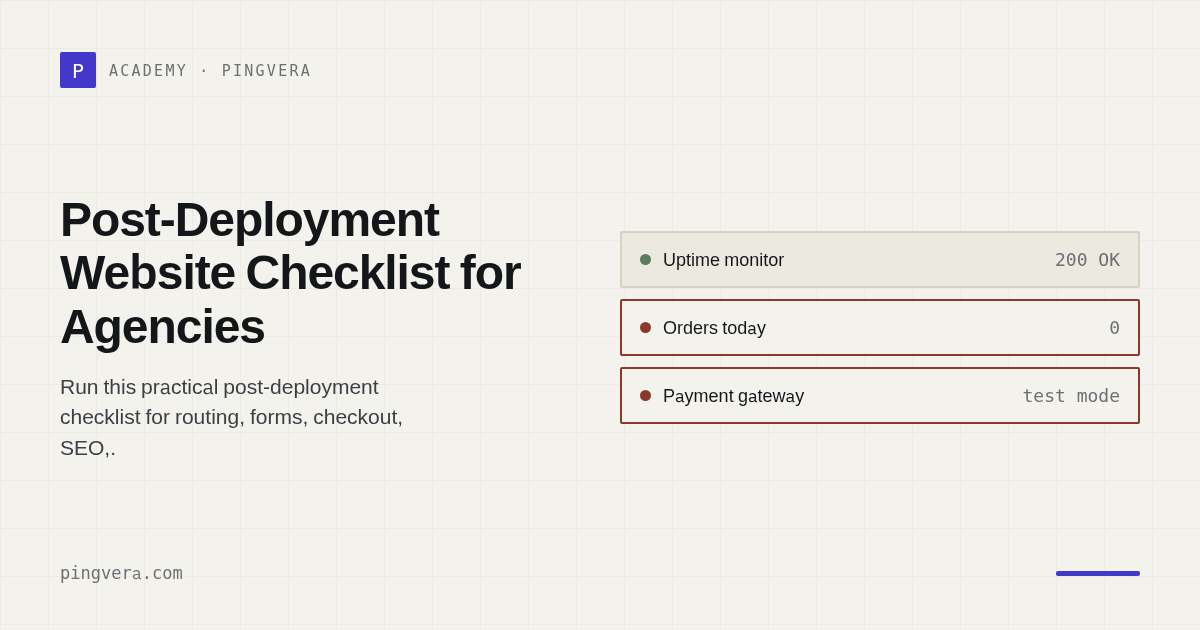
A website deployment is complete only when the new version is live, critical user journeys succeed, integrations and scheduled work are healthy, monitoring reflects the new state, and rollback remains possible. A green CI/CD job proves that automation finished—not that customers can buy, enquire, book, log in, or receive confirmation.
Use three checkpoints: immediate technical verification, business-journey verification, and delayed checks after caches, queues, indexing, analytics, and scheduled jobs have had time to react.
At a glance
Before deployment:
- record change, owner, approver, risk, window, and rollback trigger;
- confirm current backup/recovery point and migration compatibility;
- identify affected journeys and monitoring suppressions;
- notify required stakeholders;
- prepare test accounts and synthetic data.
Immediately after deployment:
- verify version, routing, TLS, headers, assets, logs, storage, queues, and health endpoints;
- run critical journeys through their destination systems;
- confirm monitoring and alert delivery;
- remove suppression and watch error/latency signals.
Later:
- review queues, cron, webhooks, email, analytics, search indexing, data freshness, and client feedback;
- close only after the defined observation window.
Release card
# Production release

Change ID: [ID]
Website/environment: [value]
Planned start/end: [UTC]
Release owner: [role]
Approver: [role]
Communications owner: [role]

Scope: [plain-language summary]
Risk: [low/medium/high and reason]
Affected journeys: [list]
Affected dependencies: [list]
Expected symptoms: [value]

Backup/recovery point: [evidence]
Database migration: [forward/backward compatibility]
Rollback method: [runbook]
Rollback trigger: [measurable condition]
Rollback decision owner: [role]

Monitoring suppression: [checks + expiry]
Validation owner: [role]
Observation window: [value]
Before deployment
Scope and authority
- approved change and production target;
- correct repository, branch, artefact, and environment;
- maintenance window shown in UTC and client time zone;
- named release and rollback decision owners;
- known concurrent vendor or marketing events;
- security/privacy review completed when required.
Recovery readiness
- current backup or recovery point confirmed;
- restore process and credentials available;
- database migration rollback or forward-fix strategy documented;
- media/configuration/secrets handled separately from code;
- CDN/DNS changes have their own reversal plan;
- test that rollback will not destroy newer orders or records.
Test preparation
- journey cards selected;
- synthetic accounts and products ready;
- safe payment/booking mode confirmed;
- monitoring window created with automatic expiry;
- screenshots or baseline timings captured where useful.
Immediate technical verification
Deployment identity
- expected version or commit is live;
- all nodes/regions run compatible versions;
- migrations completed once;
- feature flags have intended values;
- old workers and caches are not serving incompatible state.
Network and delivery
- DNS answers as intended;
- canonical HTTP/HTTPS and host redirects;
- TLS certificate and chain;
- CDN/WAF behaviour and cache headers;
- compressed assets and source maps follow policy;
- no mixed content or blocked essential resources;
- important response headers remain present.
Application and infrastructure
- health endpoint and representative pages;
- application and web-server error rate;
- database connections and query health;
- cache, queue, search, storage, and background workers;
- CPU, memory, disk, and connection saturation;
- scheduled jobs were not duplicated or disabled;
- logs contain no secrets or unexpected personal data.
Business-journey verification
Test the changed journey first, then the highest-value unaffected journey that could share dependencies.
| Site type | Minimum post-release journey |
|---|---|
| Lead generation | Submit form → success state → mailbox/CRM delivery |
| Ecommerce | Product → cart → checkout → safe payment state → order/integration |
| Booking | Availability → reservation → confirmation → back-office record |
| Membership | Login → protected page → account action → logout/recovery |
| Publisher | Page render → search → subscription → feed/sitemap update |
Check error paths too: invalid form data, declined test payment, out-of-stock state, expired session, or missing permissions.
SEO, analytics, and consent
- canonical and alternate-language tags;
- accidental
noindex, blocked resources, or staging robots rules; robots.txtand sitemap availability;- structured data still represents visible content;
- analytics page views and critical conversion events;
- consent choices respected;
- tag-manager environment and container version correct;
- synthetic traffic labelled or excluded where possible.
Do not declare success from a browser extension alone. Validate the destination analytics/debug tool where practical.
Integrations and asynchronous work
- outbound webhooks accepted;
- inbound webhooks authenticated and processed;
- queues drain normally;
- retry and dead-letter behaviour remains healthy;
- email/SMS notifications arrive;
- catalogue, price, stock, order, tax, and fulfilment state is fresh;
- duplicate protection/idempotency still works;
- reconciliation job succeeds after the release.
Some failures appear only when the next scheduled task runs. Put a delayed checkpoint on the release card.
Monitoring after deployment
- unsuppress checks immediately after expected impact ends;
- run critical synthetic journeys on demand;
- verify that a test alert reaches primary and fallback routes if alerting changed;
- compare latency and error rate with the baseline;
- watch for intermittent or regional failures;
- set an owner for the observation window;
- do not let temporary thresholds become permanent silently.
Suggested delayed checkpoints
After 15–30 minutes
- critical journeys remain healthy;
- no growing queue or error trend;
- caches and workers show intended version;
- no unexpected alert suppression.
After the next scheduled-job window
- imports, exports, feeds, backups, and reports completed;
- data freshness and record counts are plausible;
- no duplicate order or webhook processing.
After 24 hours
- full traffic pattern shows no material regression;
- analytics and conversions are present;
- no client/support pattern indicates a hidden failure;
- temporary access and flags are removed or assigned.
After 7 days for material releases
- SEO/indexing and performance trend review;
- incident and support-ticket review;
- close release follow-ups or create owned backlog items.
Copyable completion record
Release ID: [ID]
Production version: [value]
Completed: [UTC]

Technical checks: [pass/fail/link]
Critical journeys: [pass/fail/link]
Integrations: [pass/fail/link]
Monitoring active: [yes/no]
Observation completed: [UTC]

Known exceptions:
- [condition, impact, owner, due date]

Rollback status: [not required / performed / no longer safe after timestamp]
Client notified: [link/time]
Release accepted by: [role]
Common mistakes
- treating pipeline success as release success;
- testing only the changed page;
- forgetting destination email, CRM, or fulfilment;
- suppressing all monitoring without expiry;
- having a rollback command but no data-reconciliation plan;
- checking
noindexonly before launch; - ignoring the next cron/import window;
- leaving test admins, feature flags, or debug logging active;
- closing before the observation window.
FAQ
Who should run post-deployment checks?
Assign a validation owner distinct from the person making the final production change when staffing allows. The release owner remains accountable for completion.
How long should the observation window be?
Long enough to include critical traffic and asynchronous cycles. A small content change may need minutes; a major ecommerce release may need the next integration and business cycle.
Should a failed check always cause rollback?
Use pre-defined triggers and judgment. Rollback can be unsafe after data migrations or new transactions; sometimes a feature flag or forward fix has lower risk.
What if a third-party provider is already degraded?
Record the pre-existing condition, decide whether the release should proceed, and avoid confusing provider impact with the change.
Sources and further reading
Reviewed: 8 August 2026.
Next: Monitoring ecommerce integrations and testing a website backup restore.
Pingvera can run the external release checks immediately and continue watching them through the observation window. Keep deployment identity, database safety, rollback, and approval in the release process.
Know about problems before your customers do
Pingvera watches whether an online business actually works — uptime, checkout, orders, domain, SSL and server — and alerts you in Telegram, email or a webhook before a customer has to tell you.
Start freeRead next: Website Handover Checklist Between Agencies · Website Maintenance Onboarding Checklist · Website Maintenance SLA Template for Agencies · Monitoring as Code for Web Agencies · Run a free site check.