
Ecommerce Checkout Friction Audit: Remove Obstacles Before Payment
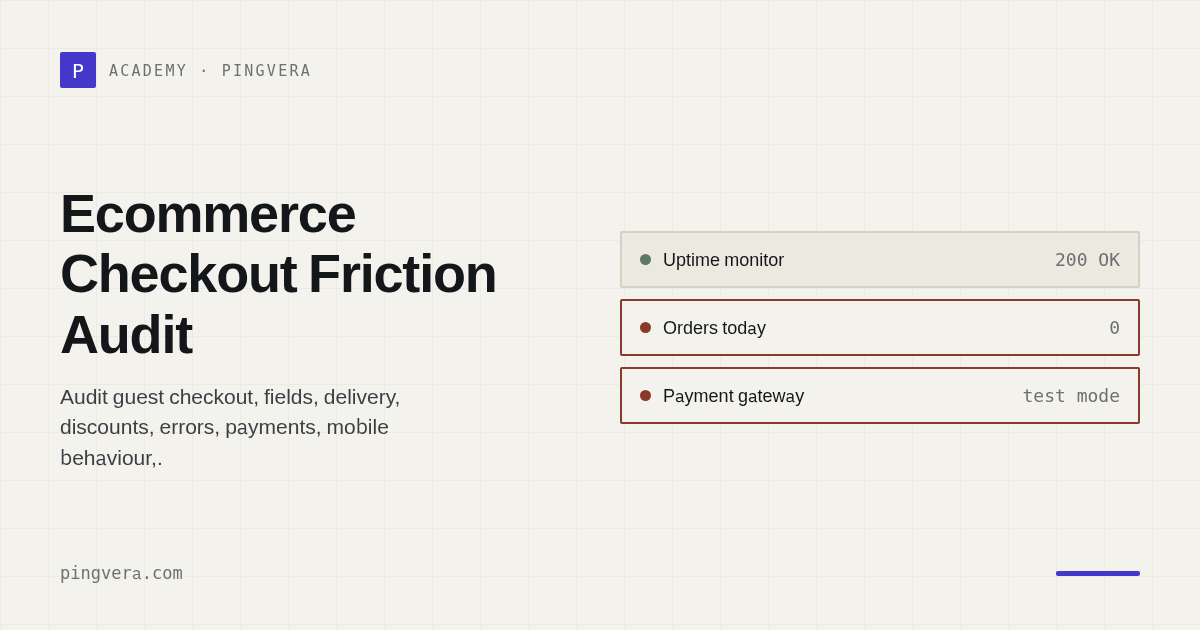
A checkout audit determines whether a customer can convert a basket into a paid order with clear terms, proportionate effort, and reliable system behaviour. The goal is not the fewest possible fields; it is the least unnecessary risk while collecting the information genuinely required to fulfil the purchase.
Test the complete journey: basket, identity, delivery, total, payment hand-off, return, order creation, and communication. Cover mobile devices, guest users, unusual baskets, and external-service failure.
At a glance
- allow guest checkout unless an account is operationally necessary;
- explain unusual data requests;
- show the full payable amount before the final action;
- preserve basket and safe input after recoverable errors;
- prevent duplicate orders and payment attempts;
- distinguish created, paid, and fulfilled orders;
- test every delivery and payment method;
- continuously verify the journey after releases.
Map the promise
| Stage | Customer question | Business control |
|---|---|---|
| Basket | What am I buying and paying? | SKU, quantity, discount |
| Contact | Why is this information needed? | Minimisation and validation |
| Delivery | When, where, and at what cost? | Valid rate and promise |
| Payment | Which methods are available? | Amount and order ID |
| Confirmation | Was the order accepted? | Status, notification, OMS/CRM |
Challenge every field
For each input, ask:
- Is it required before payment?
- Which downstream process uses it?
- Can it be derived safely?
- What happens when validation fails?
- Could it be requested later?
Do not remove useful information blindly. A postcode may be required to produce a truthful delivery promise; a date of birth or account creation needs a much stronger case for an ordinary purchase.
Make errors recoverable
A good error is located near the issue, states what to correct, preserves other safe input, works without colour alone, avoids leaking internal detail, and retains product, delivery, and promotion state.
Payment timeouts need a deliberate status. Tell the shopper whether an order exists, whether payment is confirmed or still being checked, and whether another attempt is safe. Never default to “try paying again” when the result is unknown.
Scenario matrix
| Dimension | Cases |
|---|---|
| Customer | Guest, signed-in, returning |
| Device | iOS, Android, desktop |
| Basket | Single, mixed, bulky, final unit |
| Promotion | None, code, automatic, conflicting |
| Delivery | Home, pickup, remote, invalid address |
| Payment | Every method, decline, cancel, timeout, return |
Use provider sandboxes and controlled transactions. Do not automate real charges without the necessary financial and security safeguards.
Measure the checkout
Capture stages without sending personal data into analytics. Useful context includes checkout version, device class, delivery method, and payment method. Reconcile the outcome through an immutable order ID.
Monitor basket-to-checkout, field-error frequency, delivery recalculation, payment failure by method, created versus paid orders, retries, completion time, and checkout-related support contacts.
Regression after release
A minimum automated journey should prove that a representative product can be added, delivery can be calculated, an order can be created in a safe environment, and the expected confirmation appears. Add API, queue, and payment-to-order reconciliation controls.
Common mistakes
- requiring registration without a business need;
- revealing delivery cost at the last moment;
- making promotion errors invisible;
- clearing the whole form;
- creating duplicate orders on double click;
- showing generic errors without a safe next step;
- measuring only the checkout page response.
FAQ
Is one-page checkout always better?
No. Clarity, speed, state preservation, and correct terms matter more. A staged flow can be better for a complex purchase than one crowded page.
Should every optional field be removed?
First identify its purpose. If it is not needed for payment, delivery, a valid legal requirement, or important segmentation, move it later or remove it.
How do we separate UX and technical causes?
Combine customer evidence with application errors, API responses, payment states, and an independent journey test. No single source is conclusive.
Sources
- W3C: Forms accessibility tutorial
- Google Analytics: recommended ecommerce events
- PCI SSC: payment-page security and e-skimming guidance
Reviewed: 3 September 2026.
Continue with local payment-method coverage, delivery-promise monitoring, and abandoned-cart recovery.
Pingvera can verify the critical checkout journey and show where it stopped, rather than treating one successful page response as proof of a working purchase path.
Know about problems before your customers do
Pingvera watches whether an online business actually works — uptime, checkout, orders, domain, SSL and server — and alerts you in Telegram, email or a webhook before a customer has to tell you.
Start freeRead next: Ecommerce Analytics Audit: Data Quality Checklist · Apple Pay Button Not Showing at Checkout: Fix List · Magecart Attack: Detect a Checkout Card Skimmer · Product Page Data Quality Audit · Run a free site check.