
The Browser Flags a Client Site as Dangerous: How to Find Out First
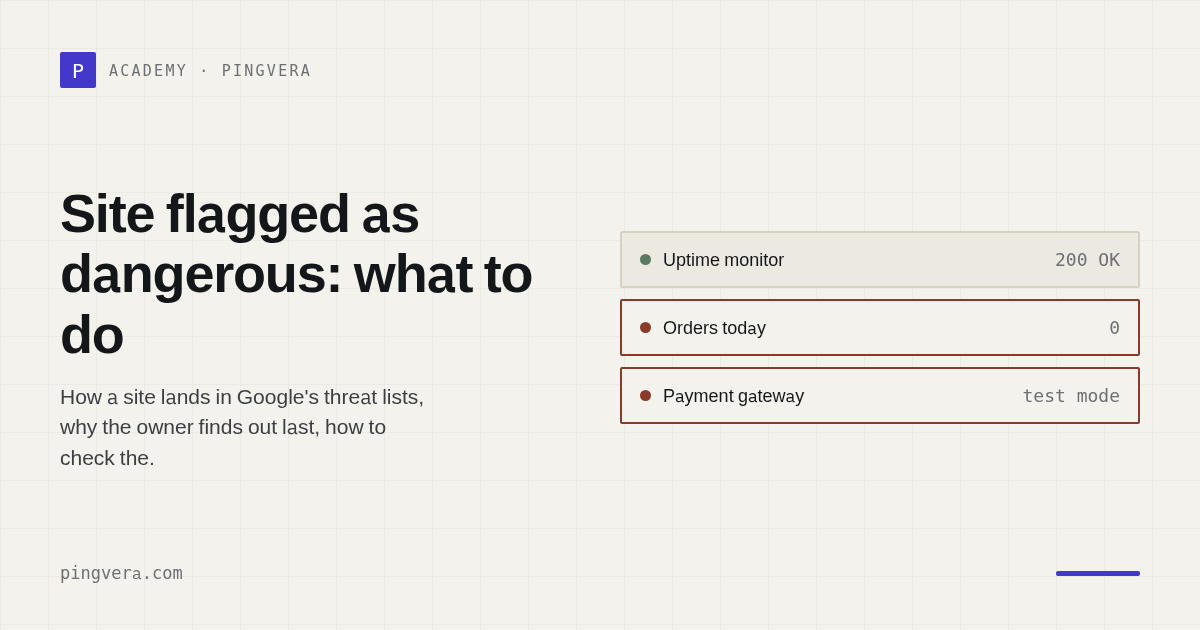
There is a failure mode where the site is entirely healthy and traffic still falls to near zero within hours. The server responds, pages render, availability monitoring is green. The visitor's browser simply shows a red interstitial — "Deceptive site ahead" — instead of the site, and search results carry a warning next to the link.
The site has landed in a threat list. Here is how that happens, why the owner is the last to know, and what routine gets you there first.
How threat lists work
Browsers ship a mechanism that warns about malicious and deceptive sites. It does not call a server on every navigation; it works from local databases the browser refreshes regularly.
Google Safe Browsing is the database behind Chrome, Safari and Firefox, as well as Google Search. It is the widest in reach: a flag there means a warning for the majority of your visitors.
Threat categories are consistent across the list:
- malware — code on the site that infects the visitor;
- social engineering / deceptive site — a page impersonating another service or collecting data under false pretences;
- unwanted software — the site distributes programs that install alongside something else;
- potentially harmful application — the same for mobile.
Why a "clean" site gets flagged
Owners are usually certain their site is not infected. Often they are right — the flag arrives for reasons they do not consider part of their site at all.
A hack that is invisible from the homepage. The most common case: doorway pages or a redirect that fires only for some visitors. The owner opens the homepage, sees normality and cannot make sense of the complaint. That mechanism has its own article — on content substitution for visitors arriving from search.
Infected advertising or a third-party script. A connected widget, chat, analytics tag or ad network started serving malicious code. Your server was never touched.
A subdomain. The flag attaches to a host, but domain reputation is linked. An abandoned staging subdomain, a forgotten old version of the site, an admin panel on its own host — any of them can drag the main domain's reputation down.
A false verdict. Login forms that resemble a known service's sign-in page; pages offering file downloads; sites built on a template that fraudsters used before.
We hit this on our own domain. In July 2026 Google Search Console reported
phishing on the Pingvera sign-in page. The site had not been compromised. The
causes turned out to be two things we did not think of as part of the product: a
status-page subdomain was served with a certificate belonging to a different
domain, and a development instance was left open to indexing without noindex.
The flag cleared a day after we fixed both — but we learned about it not when it
appeared, only when we happened to open Search Console for another reason.
Why the owner finds out last
The system does not notify site owners directly. The notification path is: Google writes to Search Console — but only if the property is verified, the notification emails are enabled, and they reach a live address. On client sites, Search Console is frequently either not connected or verified against a former employee's mailbox.
So a notification mechanism exists, but it assumes somebody visits the console regularly. In practice people find out differently: from a visitor's complaint, from a collapse in analytics, or from whoever runs their ads noticing the campaigns stopped.
Hours or days pass between the flag appearing and that moment. Throughout, the traffic is already gone.
What to do once the flag is there
Establish what it is for. Search Console, "Security issues". It names the threat type and, with luck, example affected URLs. That is the only place that says why: the threat list API itself returns a verdict with no explanation.
Find and remove the cause. The flag will not clear while the cause remains.
Check site files for foreign scripts, the database for injected content, all
connected third-party scripts and ad tags, every subdomain, and .htaccess or
server rules for conditional redirects.
Request a review. From the same console. It usually takes hours to a few days. Requesting again without fixing the cause makes things worse.
Do not stop at the homepage. Flags are frequently attached to specific URLs. Checking only the root can convince you everything is clean while the warning still shows on category pages.
The routine for an agency on retainer
Connect Search Console for every client site — verified against your address, not only the client's. This is baseline hygiene; without it you cannot even learn the reason for a flag.
Check the verdict independently of the console. A console surfaces the problem only when somebody opens it. An automated check of the threat lists buys you reaction time.
Keep subdomains in order. An abandoned staging subdomain is somebody else's reputation attached to your domain. Keep what is not meant for visitors out of the index, and watch the certificates.
What changed in Pingvera
We added a check type, "Dangerous site flag". It queries the threat lists and reports if the site appears in them, naming the threat type.
One note on the check's honesty. If the API key is not configured, the check says so and reports an unknown state rather than showing "all good". A quietly green status on a non-functioning check is worse than having no check: the client believes they are covered when they are not.
And the boundaries, which matter more than the feature list. The check learns about the flag and shows when it appeared — that gives you time, and evidence for the conversation with the client. It does not explain the cause: the API returns a verdict only. And it does not remove the flag — a review request is possible only from the owner's console. Observing and explaining is in scope; acting on the owner's behalf is not.
In short
- A "dangerous site" flag collapses traffic while the site is entirely healthy.
- The cause is often outside your code: a third-party script, an ad tag, an abandoned subdomain, or a hack visible only to some visitors.
- Nobody notifies the owner directly — only through a console somebody has to open.
- Only the owner's console shows the reason; the API returns a verdict without explanation.
Know about problems before your customers do
Pingvera watches whether an online business actually works — uptime, checkout, orders, domain, SSL and server — and alerts you in Telegram, email or a webhook before a customer has to tell you.
Start free